
May 13, 2024
Leave a message
May 13, 2024
Leave a message
Optical fiber network is an important transmission equipment in the field of modern communications. The terminal equipment "optical line terminal" in the fiber optic network is a key component to ensure the smooth operation of the network. Due to various reasons, the optical line terminal may be damaged during daily use. Failures will affect the performance and reliability of the network, so understanding the maintenance and troubleshooting of optical line terminal equipment is one of the most important items.

When the OLT (Optical Line Terminal) loses power, the OLT will receive corresponding alarm information. At this time, we need to first check whether the power supply of the OLT is working properly. Make sure the power connection is stable and there are no short circuits or open circuits. If there is no problem with the power supply itself, then the power module or related circuits may be faulty and require further investigation and repair.
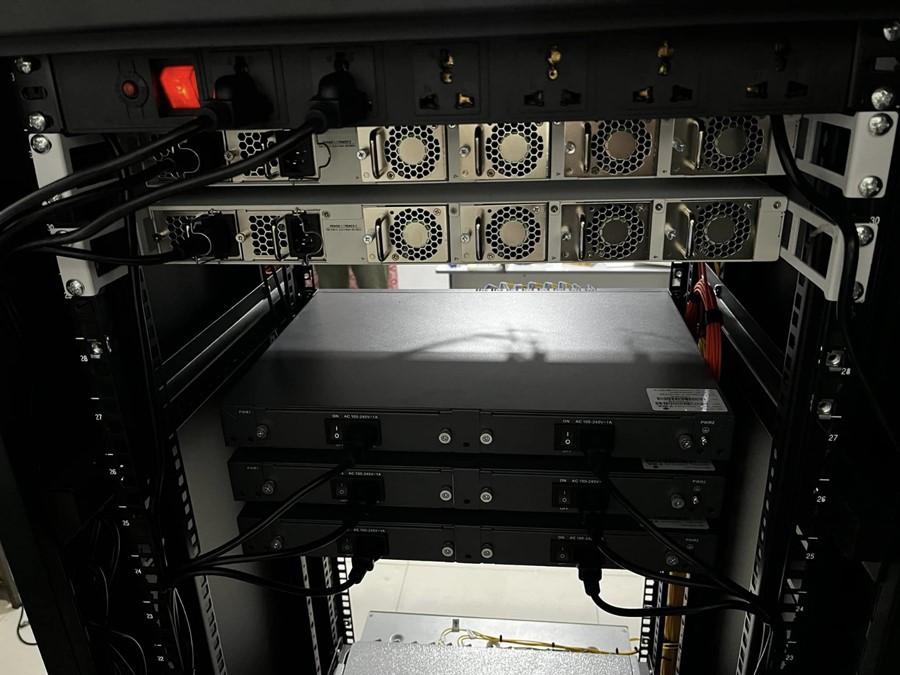
Before understanding the possible appearance of the equipment, you first need to know the placement environment of the optical line terminal equipment. This is the key to ensuring the normal operation of the equipment. A good physical environment can extend the service life of the equipment. The terminal equipment should be placed in a dry, ventilated, acid-proof place. In an alkali-proof environment, you must pay attention to the environment being free of moisture and dust. Regularly check the cooling fans and heat dissipation holes of the optical line terminal equipment to prevent dust accumulation and ensure that the equipment operates at normal temperatures.
When network lags or slow speeds occur, the first thing to consider is whether there is a problem with the fiber optic connection. This is one of the most common problems. Fiber optic connection failures may be caused by a variety of reasons, such as loose or damaged connectors. Therefore, it is necessary to check the tightness of the connector and ensure that the connector is fully inserted into the port. If the connector is damaged, replace the damaged connector.
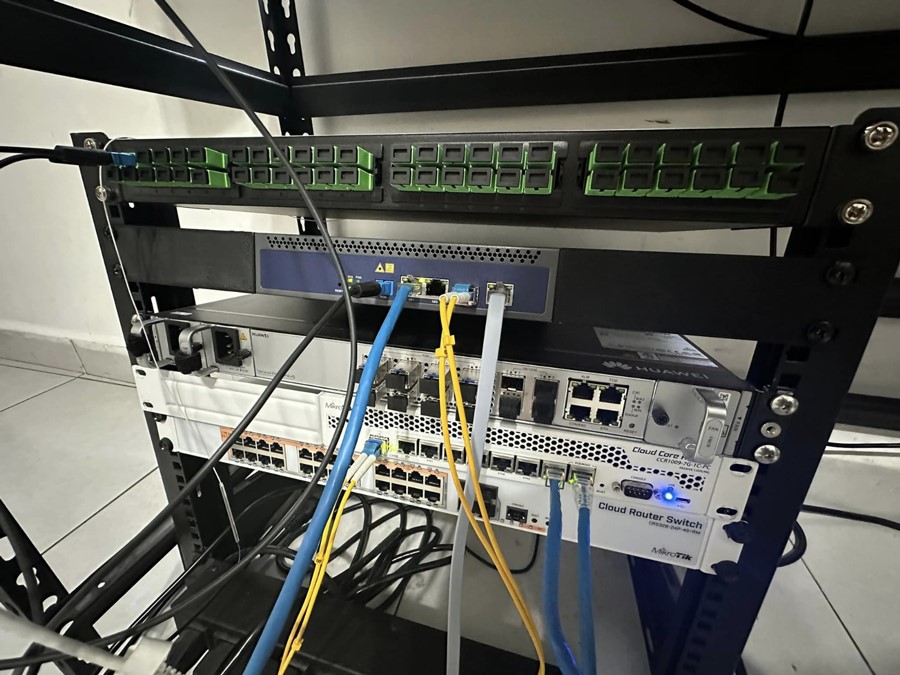
Fiber cross-connect errors may also cause signal transmission errors or interruptions. It is necessary to carefully check the fiber connection diagram or records to ensure that the connections are correct. Readjust or reconnect the fibers as needed to ensure that each connection is correctly matched with the corresponding device.
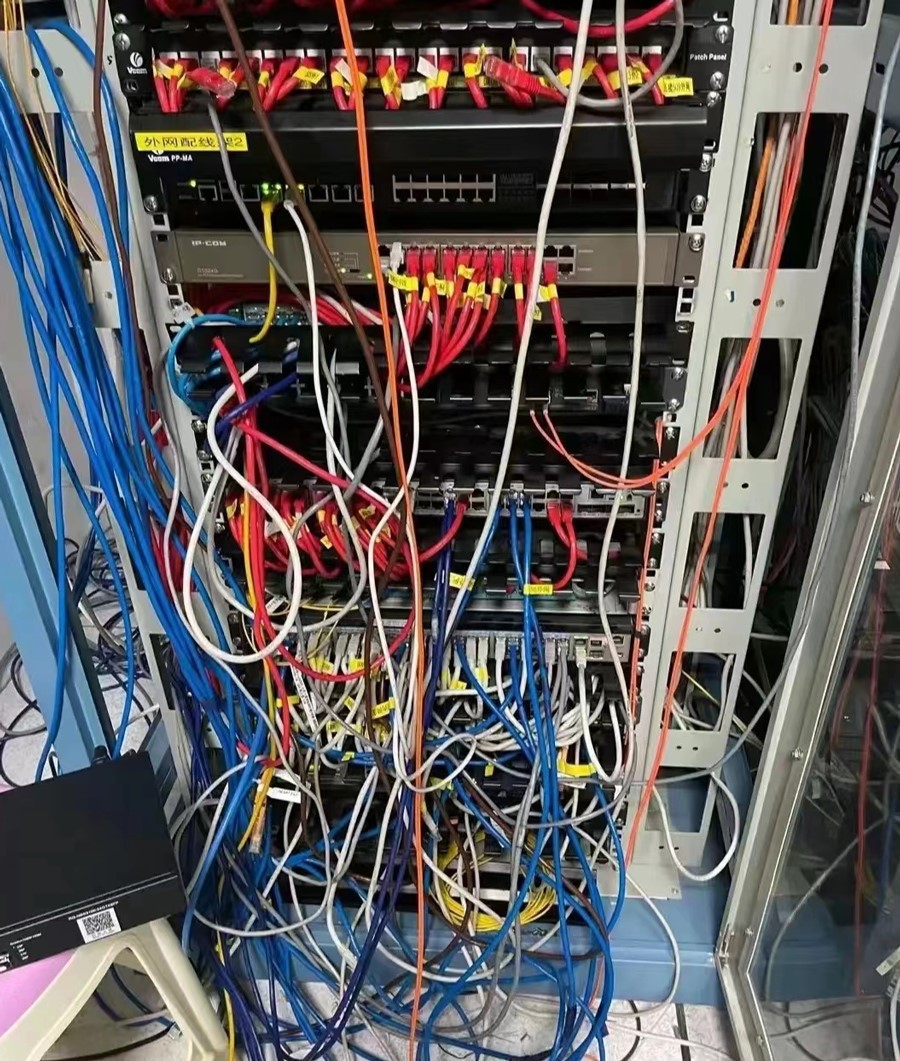
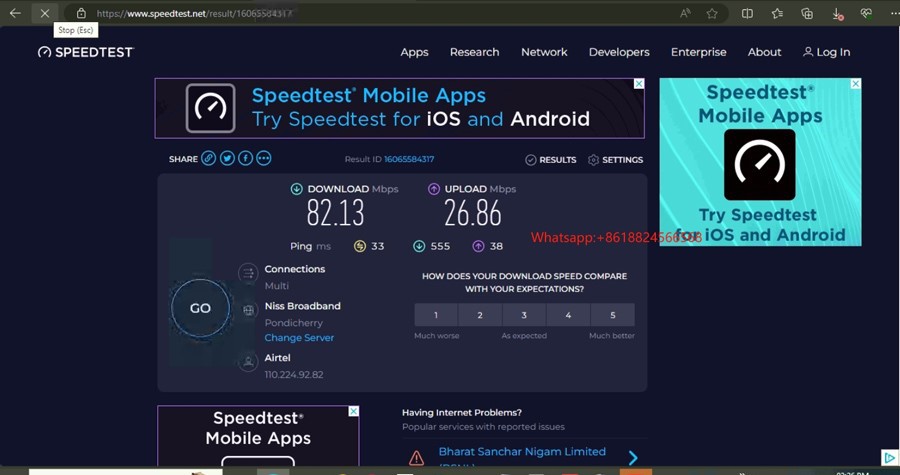
Check for bandwidth limitations:
If your fiber connection is slow, it may be due to bandwidth limitations. Check the bandwidth settings of your network device to make sure they match your needs.
Check fiber quality:
Poor fiber quality can cause your connection to slow down. Check whether the optical fiber is damaged, bent, or stained. If there is a problem, replace the optical fiber.
Check network equipment:
Make sure network equipment is working properly. Restart your router, switch, or other related devices to resolve possible temporary issues.
Check the network topology:
Check the network topology to ensure that the fiber optic connection does not have excessive hops or redundancy, which may slow down the connection.Fiber optic connection is slow.
When the OLT GPON optical signal is lost, we need to first check whether the trunk fiber connection and branch fiber connection are good. Likewise, we need to ensure that fiber optic connectors are clean and free of contamination. If there is no problem with the optical fiber connection, it may be that the PON port laser is not turned on or the OLT optical module is loose or not inserted in place. When troubleshooting, we need to turn on the laser and ensure that the optical module is firmly connected. If there are no problems with the above, then the OLT itself may be faulty and further investigation and repair are required.
The command to view alarms on the OLT is "display alarm history all". If we are not familiar with the English command, we can convert it to the Chinese command "switch language-mode" to view. In addition, we also need to be proficient in the use of various test instruments and tools, such as optical power meters, fiber identifiers, OTDRs, etc., in order to locate faults and repair them more quickly and accurately.
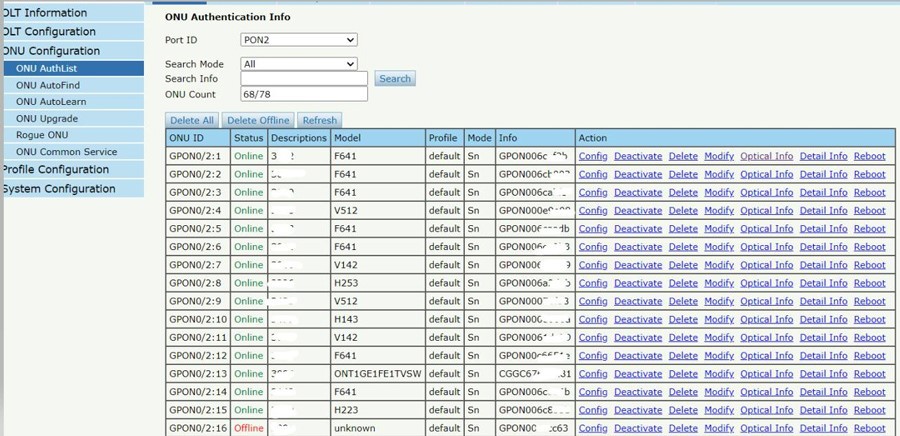
All in all, understanding the maintenance and troubleshooting of fiber optic network terminal equipment is the key to ensuring the normal operation of the network. It is also necessary to record and report faults in a timely manner and record the specific details of each fault, including the time of occurrence, scope of impact, and error codes or instructions that occur, This will help to better understand the nature of the problem and provide reference and experience for possible failures in the future.